 English
 Le français
 Türkçe

The list should be organised with a separate row for each motor and the same columns on every row. If the machine name and the motor details sit on the same row, neither the supplier nor the receiving team will confuse which motor goes where.
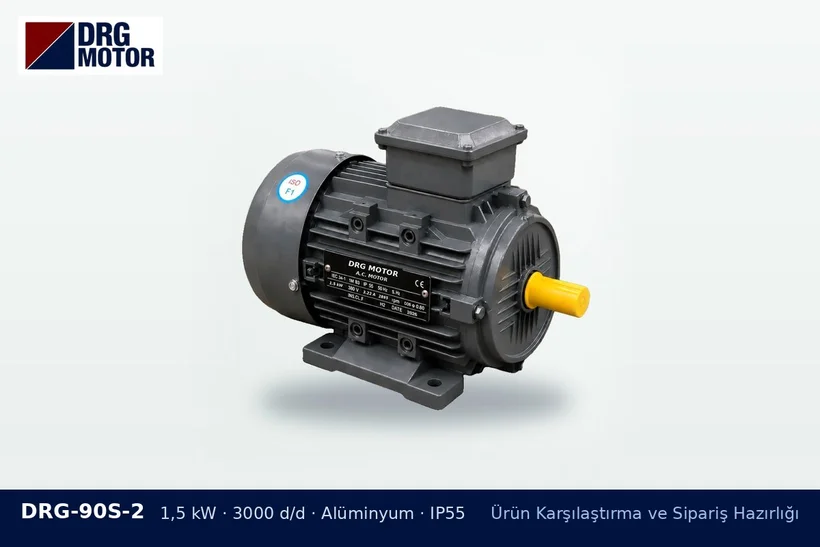
Suggested columns
| Column | Sample content |
|---|---|
| Row no. and machine | 3 – Drying fan |
| Power and speed | 1.1 kW, 1500 rpm |
| Frame and mounting | 90S, foot-mounted |
| Shaft size | D×E value from the product page |
| Frame material | Aluminium |
| Quantity and priority | 2 units, first shipment |
Simplifying the list
If the same model is to be used on several machines, keep the rows separate first, then total them by model in a summary section. That way the total quantity is visible and you do not lose track of how many units go to each machine. Copying model codes exactly from the shop page prevents typing errors.
Common mistakes
- Mixing up different speeds for the same kW
- Not stating foot or flange mounting
- Not comparing the voltage information with the supply on site
- Rows with special requests getting mixed into the general list
Invoice and delivery details
At the bottom of the list, add the company name and tax registration details for the invoice, the delivery address and the person who will receive the goods. The shipping charge is calculated according to weight, package size and delivery destination and confirmed in writing before payment; if split shipments are wanted, this should also be stated in the list.
While building the list, you can filter the three-phase motor models in the shop by power and speed and send all items with a single quotation request.