 English
 Le français
 Türkçe

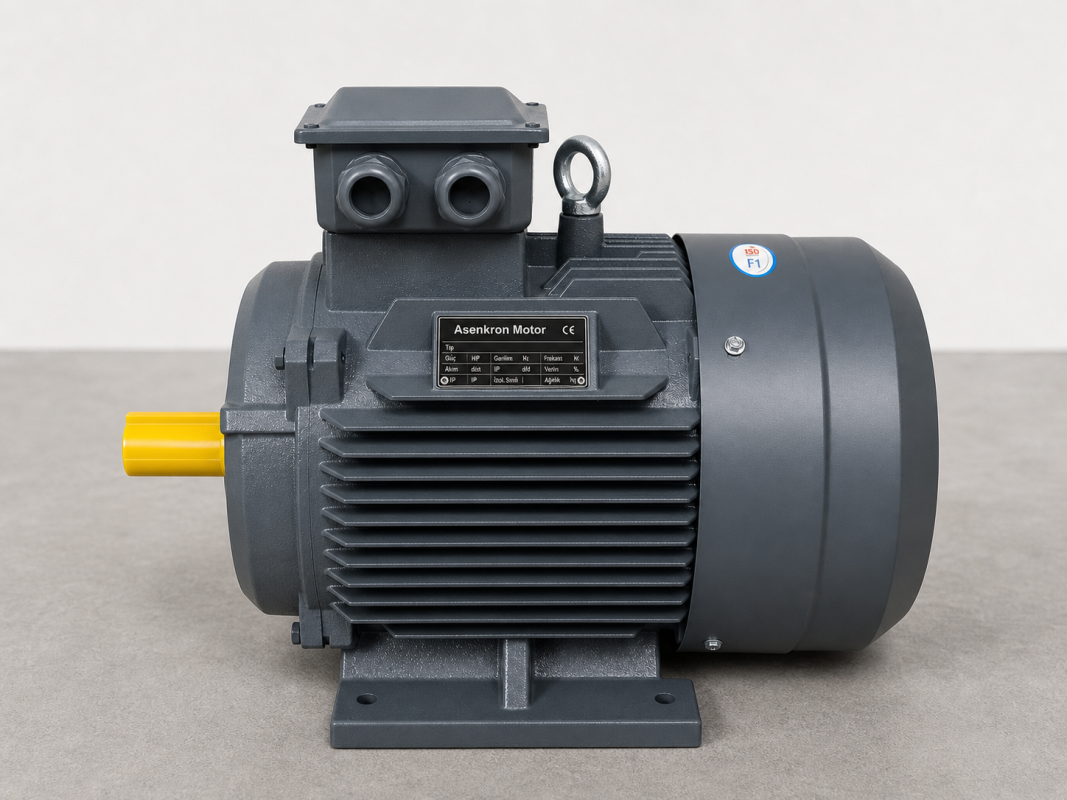
DRG Motor 3D technical models are three-dimensional STEP (.stp) files prepared for engineers and designers who want to integrate our motors into their projects in a CAD environment. These models contain the real geometry of the motor exactly and can be opened in all common CAD programs such as SolidWorks, AutoCAD Inventor, CATIA, Siemens NX and Fusion 360. You can download the 3D files of the relevant motor models from this page.
What Is a 3D STEP Model?
STEP (.stp / .step) is an industry-standard 3D data exchange format. It contains all the surfaces, the volume and the assembly references of a motor. Unlike a 2D drawing, a 3D model lets you examine the motor from every angle, place it inside your own design, and test real mounting conditions digitally.
What Can You Do With 3D Models?
Three-dimensional motor models are a powerful tool that accelerates your design process:
- Assembly design: place the motor into the 3D model of your machine or plant to design the connections.
- Clash detection: see digitally, before assembly, whether the motor collides with surrounding parts.
- Layout and envelope planning: evaluate the space the motor occupies, including the terminal box and fan cover, clearly.
- Coupling and shaft alignment: align the shaft axis, keyway and flange references with the real geometry.
- Presentation and documentation: use realistic 3D visuals in your quotation and project files.
How Do You Use a STEP File?
It is enough to open the downloaded .stp file in your CAD program using the "Open" or "Import" option. The model can be positioned in your own coordinate system, dimensioned and added to your assembly tree. Because the STEP format is software-independent, the model opens with the correct dimensions and geometry whichever CAD program you use.
Which Models Are Available?
This page contains several 3D motor models for different frame sizes. Each file contains the real geometry of the relevant motor in foot-mounted (B3), flange-mounted (B5) or foot-and-flange (B35) form. If you cannot find the 3D model for the specific power, speed or mounting type you need, you can request it from our technical team.
Why Should You Use a 3D Model?
Working on a 3D model before purchasing the motor helps you catch design errors at an early stage, shorten assembly times and avoid costly revisions. A correctly modeled motor works in perfect harmony with the rest of your project. As DRG Motor, we share these digital resources with you to make your engineering processes easier.
For the technical values of the motor whose model you downloaded (power, speed, current, efficiency and torque), see the DRG Motor Technical and Product Catalog 2026.
Frequently Asked Questions
Which programs can open STEP files?
STEP (.stp) is a universal format; it opens directly in SolidWorks, Inventor, CATIA, Siemens NX, Fusion 360, FreeCAD and all other common CAD programs.
Does the 3D model reflect the real motor dimensions exactly?
Yes. STEP models contain the real geometry and main dimensions of the motor, so you can confidently evaluate mounting compatibility and envelope dimensions.